Framelet: Your photos. Your videos. A little more order
Available for macOS 14+
AbstractA simple Mac app for going through folders of photos and videos and clearing out the ones you don't want. There's nothing to import: it works right on your folders, and all the analysis happens on your Mac. It never goes online.
Keywords:Swift · SwiftUI · AppKit · Vision · Core ML · AVFoundation
1Features
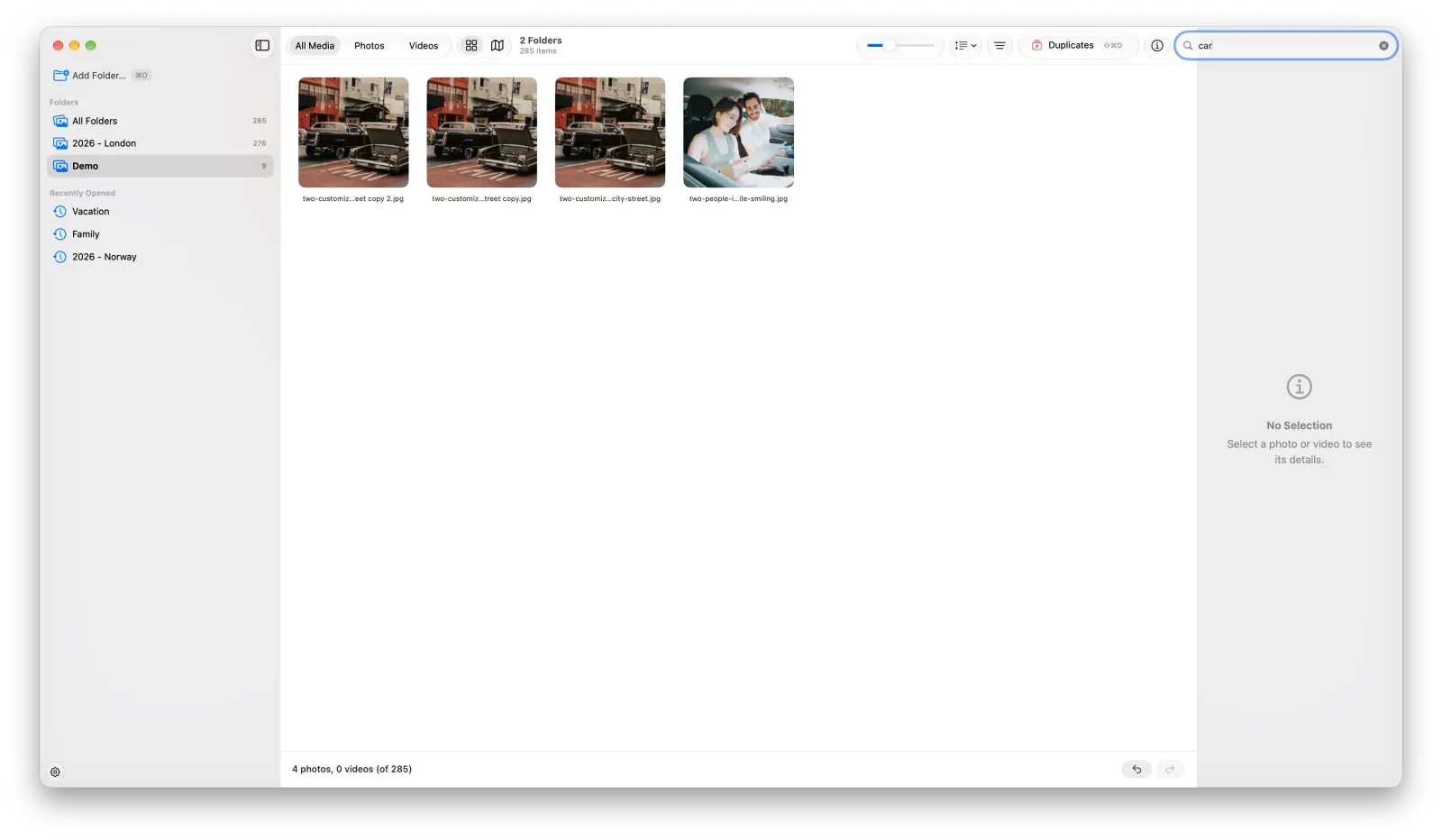
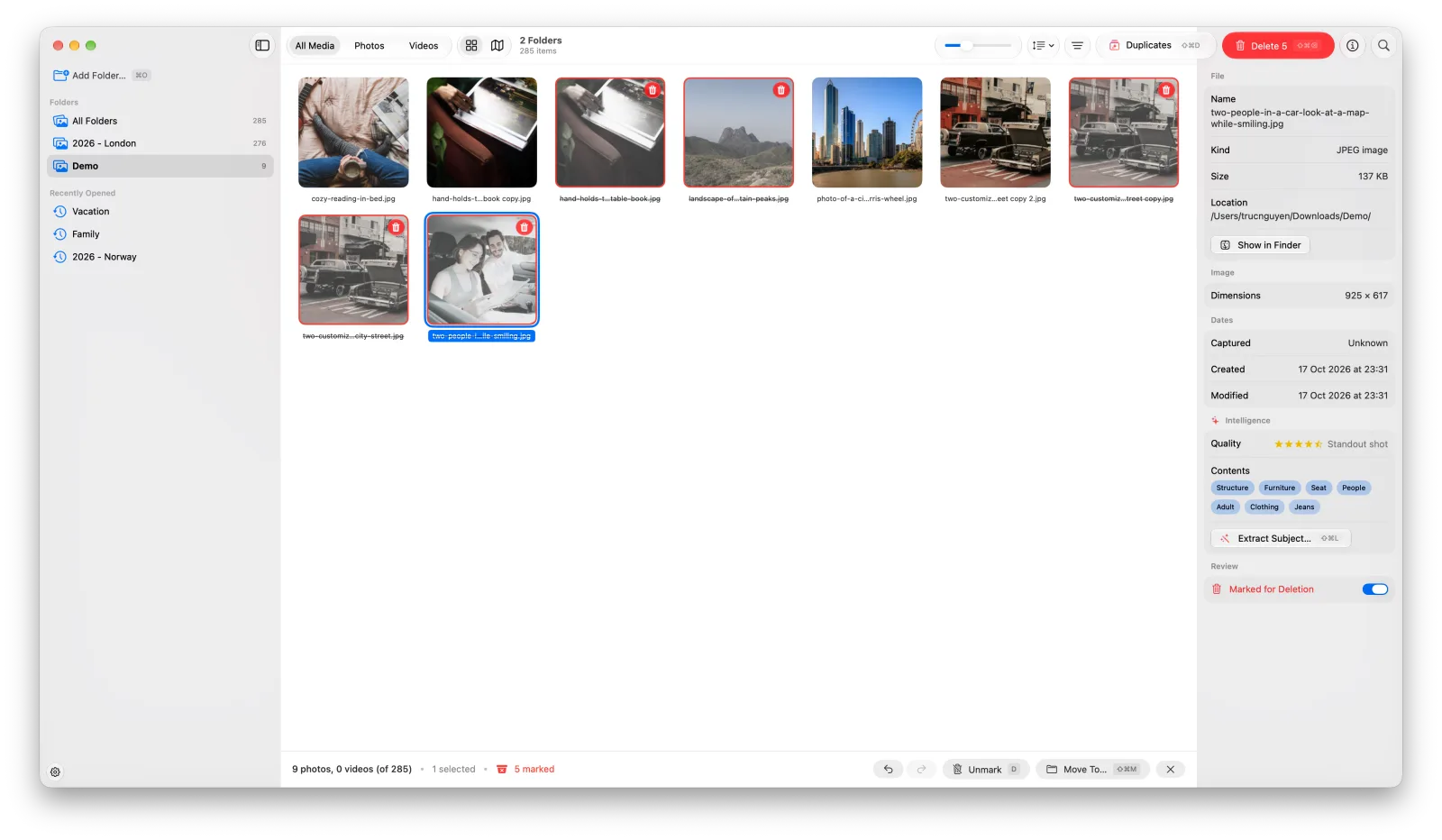
- Many folders, one grid, with a sidebar to view one at a time
- Press D to mark, then trash them all in one safe step
- Search by what's in a photo: "beach", "people in a car"
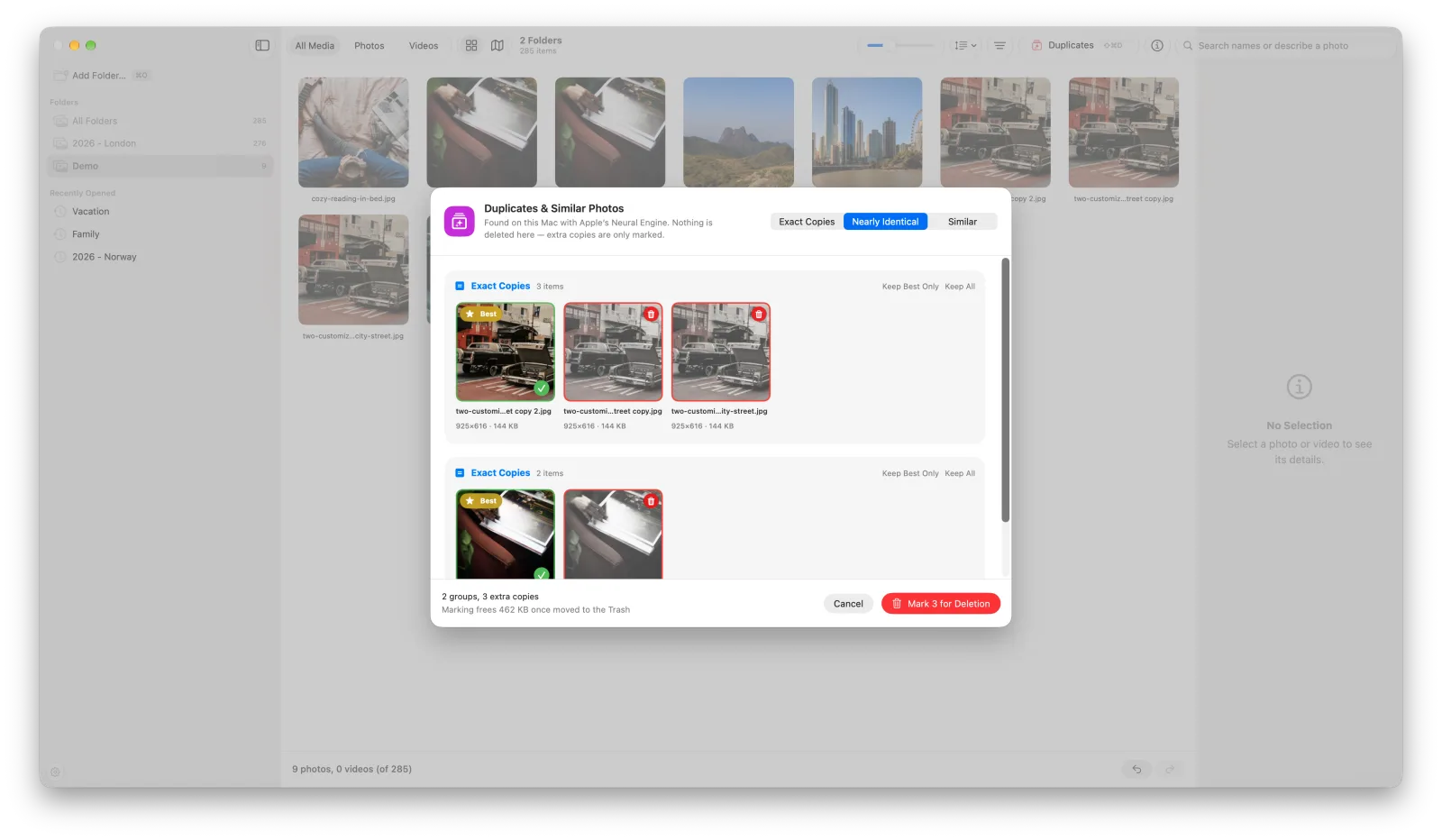
- Find exact copies, near-identical shots and similar photos
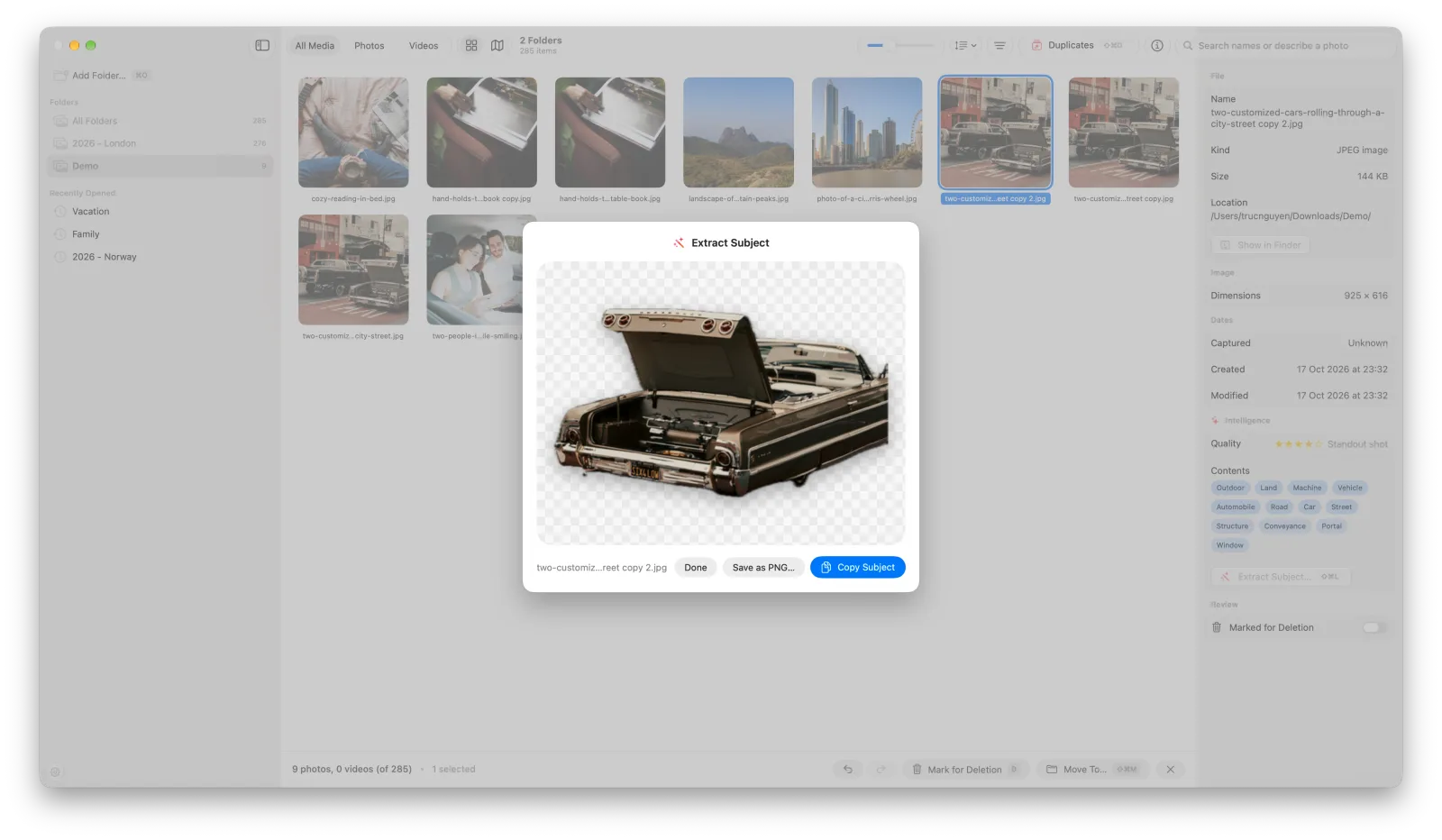
- Lift the subject off its background and save it as a PNG
2Screenshots
Click a figure to enlarge it.